







Unsere Dienstleistung

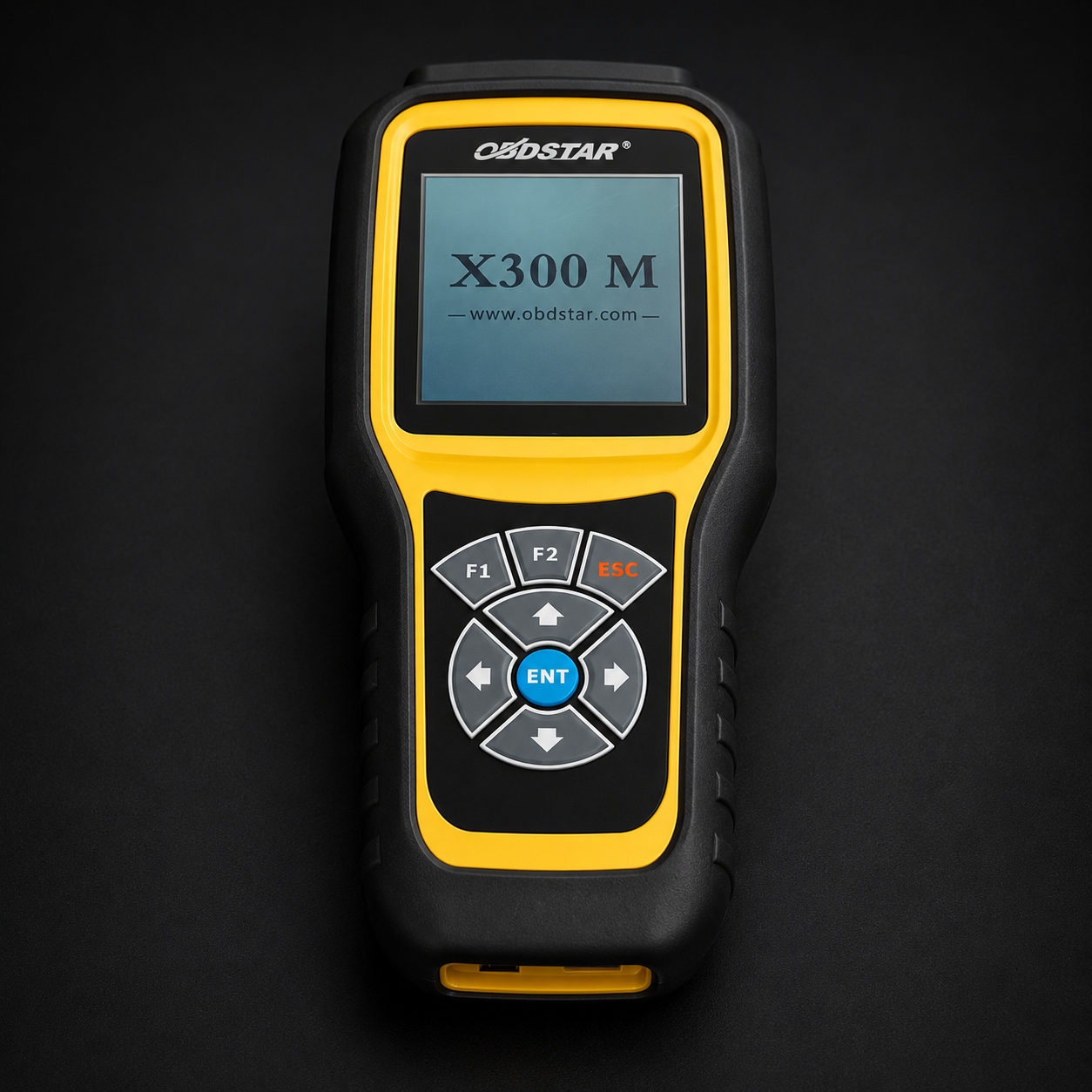
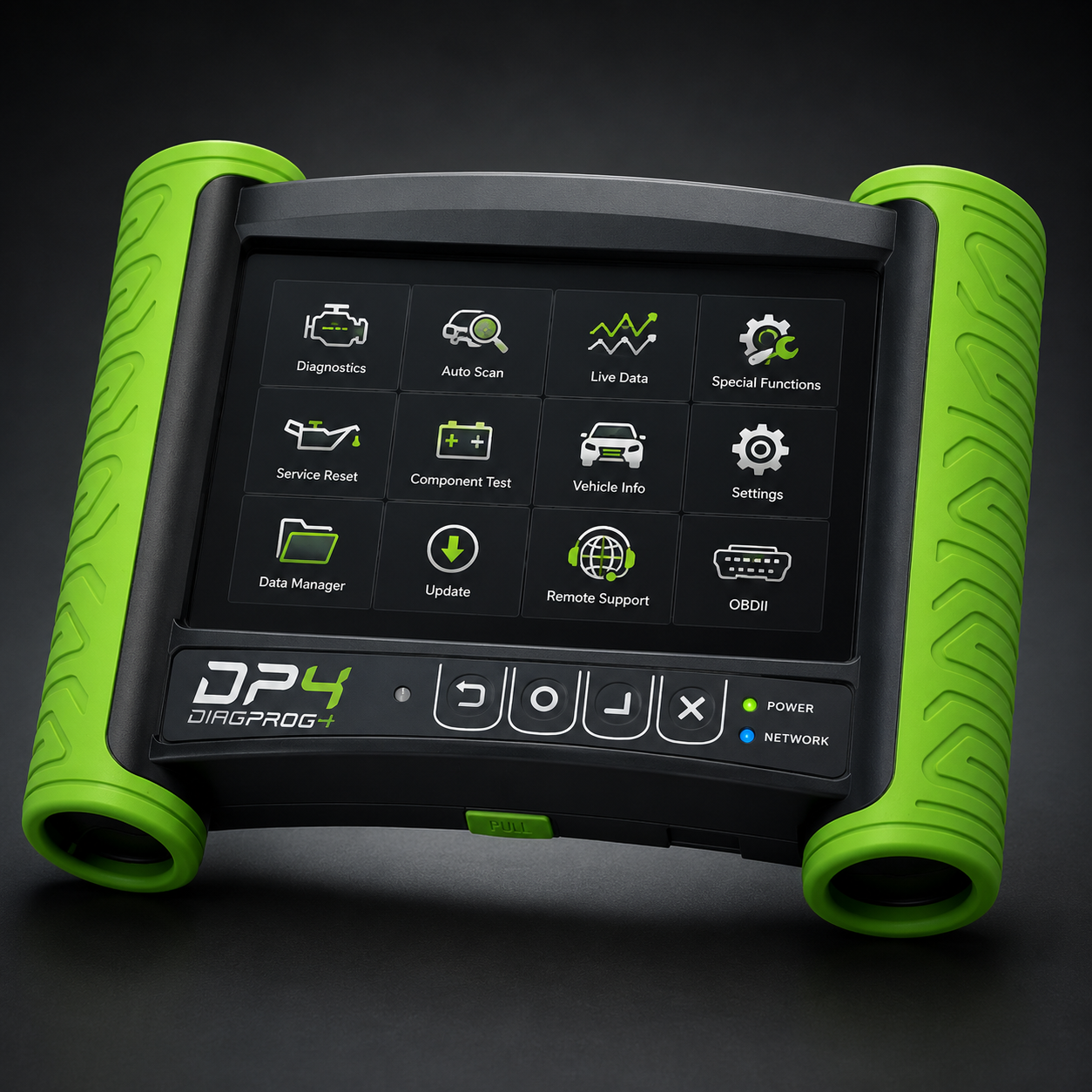
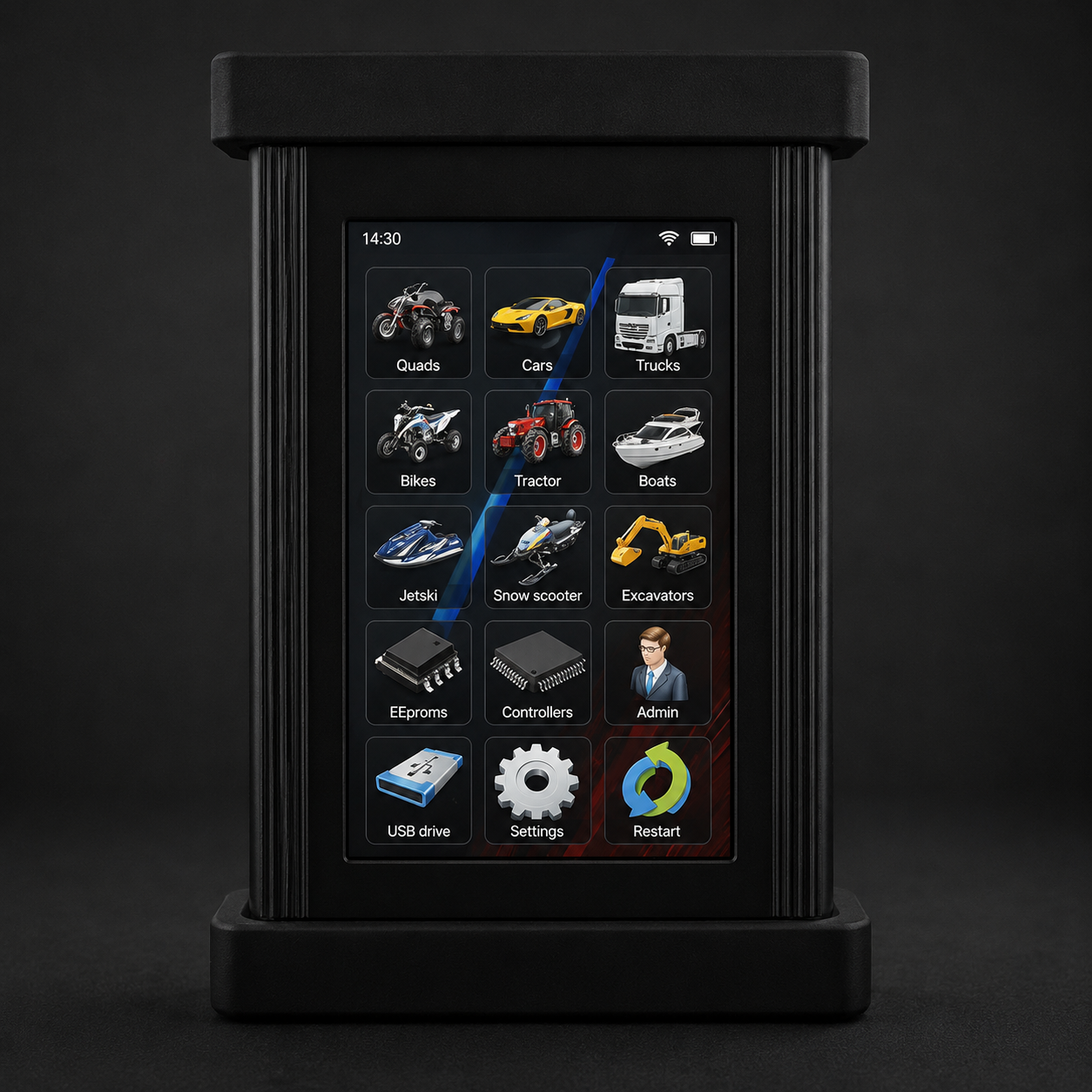
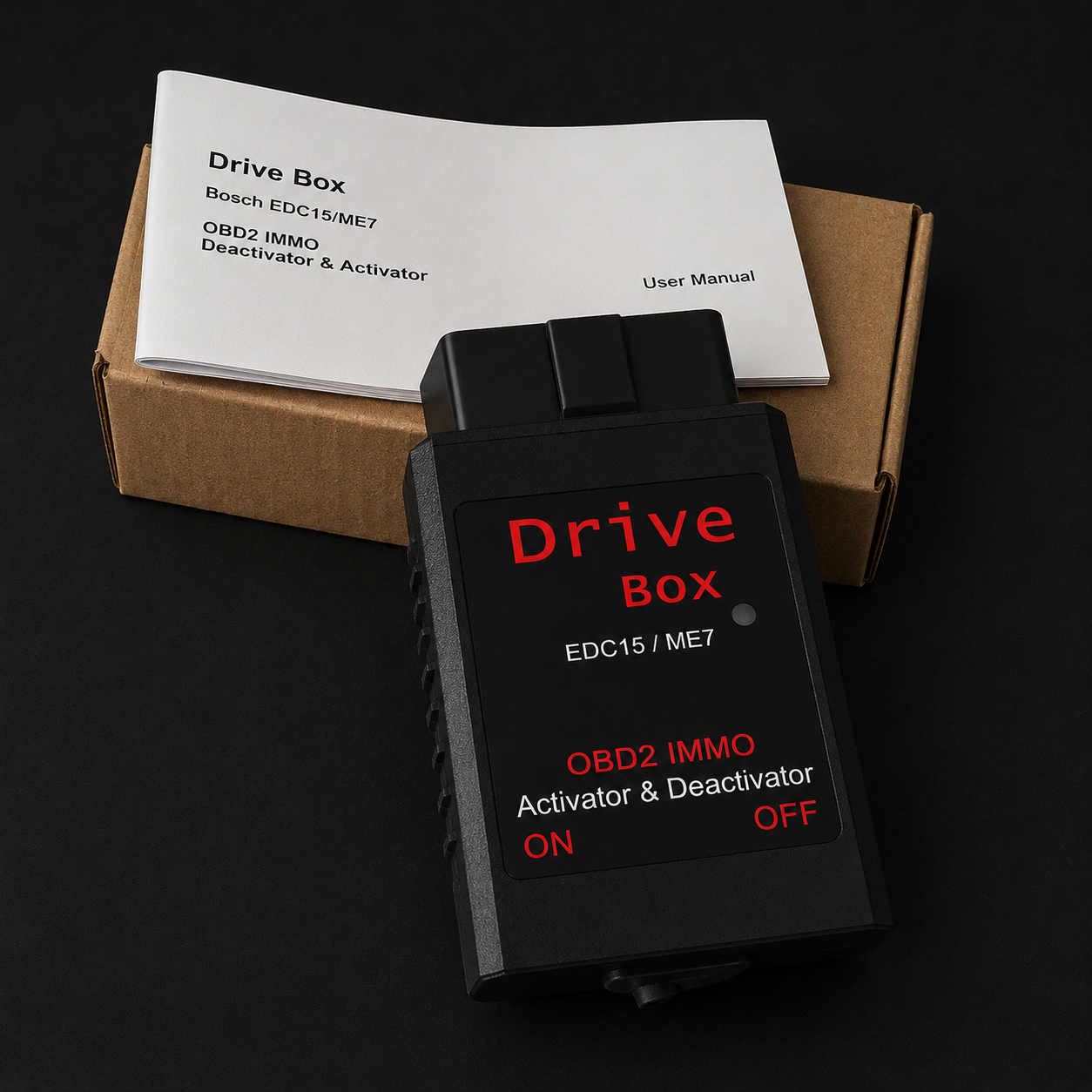
Featured Products

Posts
-
You finde the Database here:
https://sfx26.myqnapcloud.com/ecu-studio/ -
Reupload? file are not more available
-
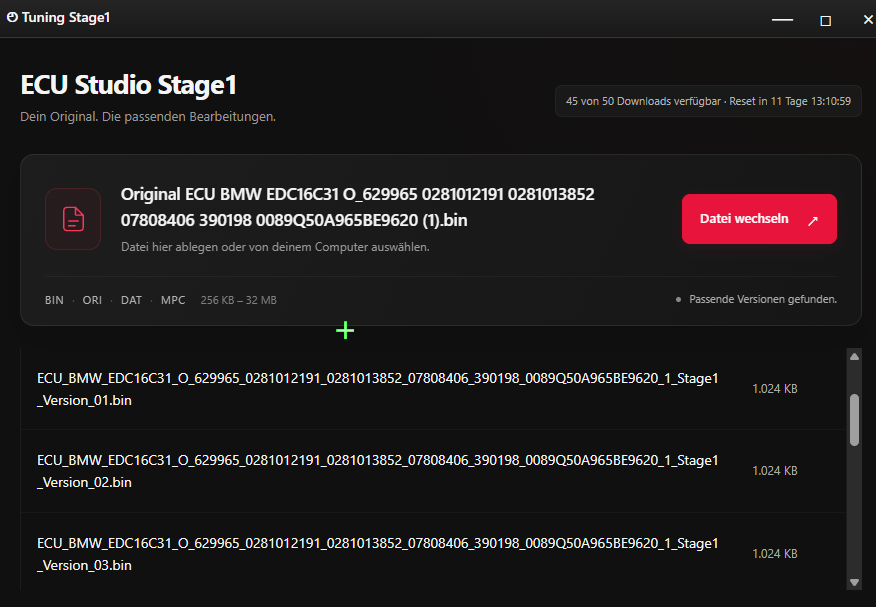
There are different versions. You can test which one runs best.
-
When i put in the file i get the stage 1 Files but all say Version 1 then Version 2, ....
how can i tell wich is wich i want one with stage 1 and egr off but it no where says this -
November is just around the corner, and a lot is happening at Digitools24!
As the title suggests, we have several major updates planned for November 2026. We're restructuring parts of our system, expanding access to our ECU database, and continuing to develop new software solutions.
Most of these technical changes will happen behind the scenes, so you probably won't notice much of the transition itself. However, some sections will disappear, others will be expanded, and new features will be introduced.
Here's an overview of what's coming!
🛒 Black November 2026 – We're Restructuring Our Shop!
One of the biggest changes concerns our online shop.
In the future, we want to focus more on developing and selling our own software solutions. That's why we're gradually transitioning our shop from hardware products to software.
Starting November 1, 2026, we're launching our BLACK NOVEMBER SALE!
During this promotion, we'll offer many of our remaining hardware products at significantly reduced prices. Some items will even be sold at our current purchase prices.
Our goal is to clear our remaining inventory and make room for our upcoming software products.
Important: All offers are available only while stocks last.
📂 ECU Database – Original Files for Everyone!
We're also making some major changes to our ECU database.
Over the past few years, we gradually restricted public access to our database. Now, we're taking a different approach by making part of our collection freely accessible again.
We're opening access to our extensive collection of original ECU files that we've personally read and collected over the past 12 years!
To make this possible, we're currently rebuilding and updating the public download section of our website.
We're importing our original ECU files, updating existing entries, and improving file descriptions.
And yes, this time we're even including the file sizes in KB in the descriptions! 😊
New Download Rules
The following conditions will apply:
Guests (not registered): 5 free downloads
Registered users: Unlimited downloads of original ECU files
Just last week, we increased the free download allowance for registered users to two downloads per day.
That daily limit will now be removed completely!
This means registered users will be able to download as many original ECU files as they need.
The transition is already underway. Since we're importing and updating a large number of files, the process will take some additional time.
🔍 ECU File Center vs. Online ECU Stage1 Studio – What's the Difference?
Over the past weeks and months, we've invested a considerable amount of time into improving our file search and automated tuning file creation systems.
Our goal from the beginning was to make finding suitable Stage1 files as simple and automated as possible.
Initially, we developed a solution directly integrated into our website. Later, we created another system running on a dedicated server.
As a result, we now have two separate systems, each offering its own advantages.
1. ECU File Center – Automatic File Search
Our ECU File Center is accessible directly through our website.
Simply upload your original ECU flash file, and the system will analyze the available data and automatically search for a suitable Stage1 file for your engine control unit.
Important: The system requires original ECU flash data without immobilizer data.
Additional features include:
Automatic search for matching Stage1 files
Manual file searches using our server search engine
Access to our integrated file manager
Browsing and exploring our available file collection
This gives you several ways to find the correct file for your ECU.
New from November:
The ECU File Center will now be available to all three membership levels:
Bronze, Silver, and Gold!
This means Bronze members will also gain access to this service.
2. Online ECU Stage1 Studio – The Automatic Stage1 Builder
Our Online ECU Stage1 Studio takes things one step further.
This is a standalone product that operates independently of our website on a separate server.
A dedicated online application is available for download to access the service.
The main difference compared to the ECU File Center is how files are processed.
While the ECU File Center primarily searches for existing matching files, our Online ECU Stage1 Studio uses an automated Stage1 building system.
This system can identify differences between original files, match the corresponding modifications, and provide suitable Stage1 files for download.
It also supports tuning file creation with available deactivation options.
Our goal is to automate as many of these processes as possible, making ECU file processing significantly easier and faster.
🎁 Additional Benefits for Silver and Gold Members!
Since we're now making the ECU File Center available to Bronze members, we naturally want to offer our Silver and Gold members some additional benefits as well.
That's why both membership levels will receive monthly credits for our Online ECU Stage1 Studio.
Your Monthly Credits
🥈 Silver Members: 10 Credits per Month
🥇 Gold Members: 20 Credits per Month
These credits can be used in our Online Studio to create tuning files with the available deactivation options.
How Do You Receive Your Credits?
For now, credit distribution will be handled manually.
Silver and Gold members can request their credits directly from me and will receive a personal basket code to redeem them in the Online Studio.
Unfortunately, we currently don't have a technical solution to automate the monthly distribution of these credits.
However, we're already working on it!
Before we can implement automatic credit distribution, we first need to complete the planned restructuring of our online shop.
Until then, credits will continue to be issued upon request.
💻 DT24 Software – We're Expanding Our Own Software Tools!
In addition to our online services, we've been focusing heavily on developing our own software solutions.
We've already created several useful offline tools that you can run directly on your computer using your own files.
One of these tools is our OLS-Inspector, which is already available.
This software has also laid the foundation for several additional developments.
But we're not stopping there!
New Offline ECU Studio Coming in December 2026!
Building on our previous developments, we're currently working on our new Offline ECU Studio.
This will be a standalone software solution that we plan to release in December 2026.
With this project, we aim to combine our experience in automated ECU file analysis and Stage1 creation into a locally operated application.
We'll share more details about its features and capabilities before the official release.
Stay tuned! 😊
🚀 Conclusion – Exciting Times Ahead at Digitools24!
November 2026 will bring several important changes to Digitools24.
We're gradually moving away from traditional hardware sales and shifting our focus toward developing our own software solutions.
At the same time, we're opening our extensive original ECU database to registered users, expanding the benefits of our memberships, and continuing to improve our automated ECU services.
Our main goal is to make our systems simpler, faster, and increasingly automated in the long run.
Some of these changes will take a little more time, but development and implementation are already well underway.
That's our preview of what's coming in November 2026!
Thank you to everyone who has supported Digitools24 over the years and continues to follow our developments.
Your Digitools24 Team
Top Downloads
-
K+CAN Commander 1.4
Free
K+CAN Commander 1.4 ist eine ältere Diagnose- und Programmierlösung für Fahrzeuge des VW-Konzerns. Sie arbeitet über K-Line und CAN-Bus/TP2.0. Funktionen: Steuergeräte erkennen sowie Fehler lesen und löschen Codierungen und Anpassungskanäle bearbeiten Login/PIN beziehungsweise SKC auslesen Wegfahrsperrendaten und Schlüssel anpassen EEPROM von Kombiinstrumenten und einigen Steuergeräten lesen/schreiben Kilometerstände bei unterstützten Kombiinstrumenten und EDC15 bearbeiten Flash-Speicher b- 8 Downloads
-
- 4 Downloads
-
FRF to Bin
Free
FRF to BIN ist ein Konverter für originale VAG-Flashdateien von Volkswagen, Audi, Seat, Škoda und teilweise Bentley/Lamborghini. Eine .frf-Datei ist ein verschlüsselter beziehungsweise komprimierter Herstellercontainer, der hauptsächlich von ODIS für Steuergeräte-Updates verwendet wird. Der Konverter: entschlüsselt und entpackt die FRF-Datei extrahiert die enthaltenen Flash-Segmente setzt diese zu einer normalen .bin-Datei zusammen macht die Daten für WinOLS und verschiedene ECU-/TCU-Flashtoo- 3 Downloads

-
K+CAN Commander 1.4
Free
K+CAN Commander 1.4 ist eine ältere Diagnose- und Programmierlösung für Fahrzeuge des VW-Konzerns. Sie arbeitet über K-Line und CAN-Bus/TP2.0. Funktionen: Steuergeräte erkennen sowie Fehler lesen und löschen Codierungen und Anpassungskanäle bearbeiten Login/PIN beziehungsweise SKC auslesen Wegfahrsperrendaten und Schlüssel anpassen EEPROM von Kombiinstrumenten und einigen Steuergeräten lesen/schreiben Kilometerstände bei unterstützten Kombiinstrumenten und EDC15 bearbeiten Flash-Speicher b- 77 Downloads
-
- 52 Downloads
- 0 Comments
-
- 35 Downloads
- 0 Comments
-
- 35 Downloads
- 0 Comments
-
K+CAN Commander 1.4
Free
K+CAN Commander 1.4 ist eine ältere Diagnose- und Programmierlösung für Fahrzeuge des VW-Konzerns. Sie arbeitet über K-Line und CAN-Bus/TP2.0. Funktionen: Steuergeräte erkennen sowie Fehler lesen und löschen Codierungen und Anpassungskanäle bearbeiten Login/PIN beziehungsweise SKC auslesen Wegfahrsperrendaten und Schlüssel anpassen EEPROM von Kombiinstrumenten und einigen Steuergeräten lesen/schreiben Kilometerstände bei unterstützten Kombiinstrumenten und EDC15 bearbeiten Flash-Speicher b- 81 Downloads
-
- 71 Downloads
-
- 58 Downloads
- 0 Comments
-
- 54 Downloads
-
K+CAN Commander 1.4
Free
K+CAN Commander 1.4 ist eine ältere Diagnose- und Programmierlösung für Fahrzeuge des VW-Konzerns. Sie arbeitet über K-Line und CAN-Bus/TP2.0. Funktionen: Steuergeräte erkennen sowie Fehler lesen und löschen Codierungen und Anpassungskanäle bearbeiten Login/PIN beziehungsweise SKC auslesen Wegfahrsperrendaten und Schlüssel anpassen EEPROM von Kombiinstrumenten und einigen Steuergeräten lesen/schreiben Kilometerstände bei unterstützten Kombiinstrumenten und EDC15 bearbeiten Flash-Speicher b- 81 Downloads
-
- 71 Downloads
-
- 58 Downloads
- 0 Comments
-
- 54 Downloads